How to Sign Up for Weibo without a Phone Number (Step-by-Step)

Weibo is one of China's biggest social media platforms, with over 500 million monthly active users. It's the go-to place to follow Chinese pop culture, celebrities, trending topics, and conversations you simply won't find on Western apps.
But here's the catch: signing up for Weibo requires phone number verification. And for many users, that's where things get tricky since they don't feel comfortable handing over their personal number to a foreign platform. If that's you, you're in the right place.
So, is it actually possible to sign up for Weibo without a phone number at all? Well, the short answer is no, as Weibo will always need a number for account verification. But the good news is, it doesn't have to be your personal number. In this guide, we'll walk you through what your options are, what actually works, and the easiest step-by-step method to create a Weibo account without tying it to your personal number.
Key Highlights:
Weibo requires phone number verification for sign-up, mainly to comply with China's real-name registration policy and prevent fake accounts.
You cannot sign up for Weibo without a phone number at all, but you can use a virtual phone number instead of your personal one to keep your privacy intact.
A virtual phone number lets you receive Weibo's verification code without exposing your real contact details or relying on free SMS sites that often get rejected.
Calilio offers SMS-ready virtual numbers from countries Weibo accepts, with transparent pricing, long-term ownership, and 24/7 support, making it a reliable choice for Weibo sign-up.
The same Calilio number can also be used to verify other platforms like WeChat, WhatsApp, and Telegram, giving you more value from a single subscription.
Why Does Weibo Require a Phone Number?
Weibo requires a phone number to comply with China's real-name registration policy, linking each account to a verifiable identity and reducing fake profiles or bots. It also supports account recovery, password resets, and important security or platform updates.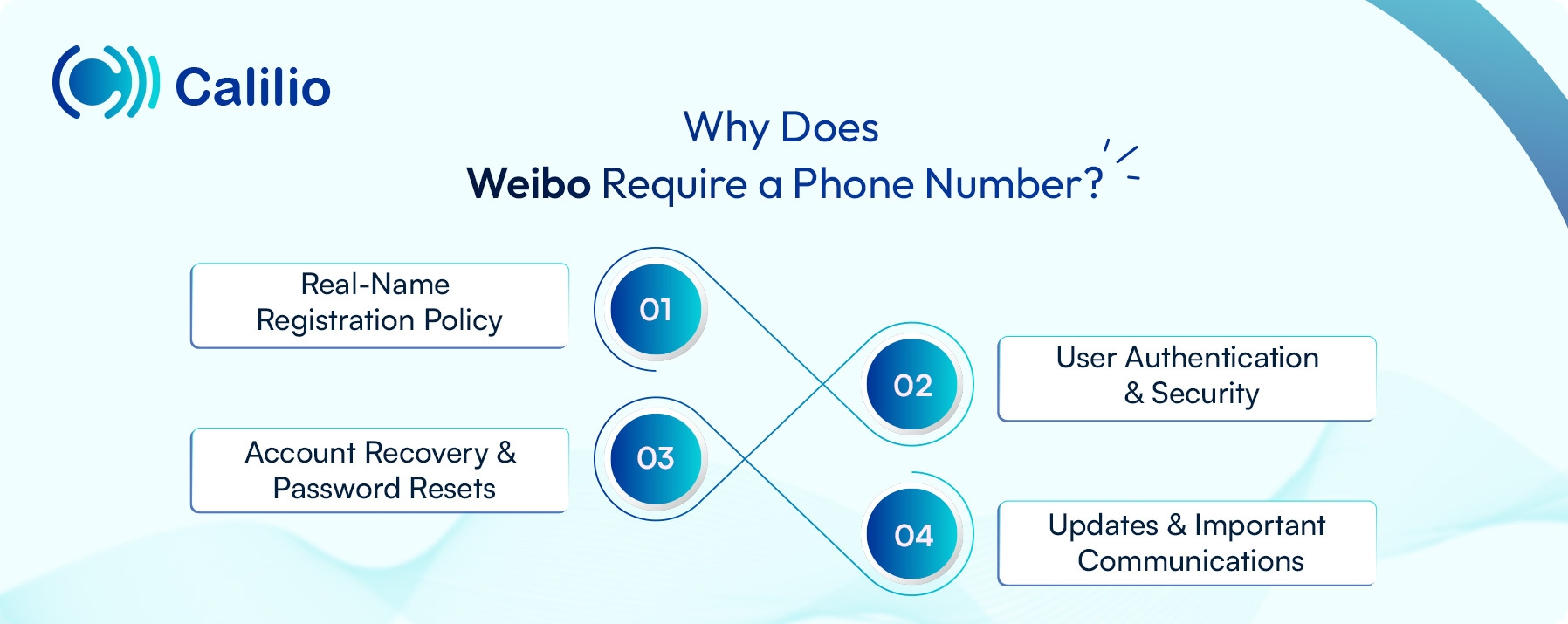
- Real-Name Registration Policy: Under China's internet regulations, all social media platforms, including Weibo, must verify users through real-name registration. Your phone number links the account to a verifiable identity, ensuring accountability.
- User Authentication and Security: Phone verification confirms that each account belongs to a real, unique person, helping Weibo cut down on fake profiles, spam, and bots.
- Account Recovery and Password Resets: If you ever get locked out or forget your password, your registered number is what lets you regain access through a verification code.
- Updates and Important Communications: Weibo uses your number to send security alerts, login notifications, and platform updates straight to your phone.
Create a Weibo Account Using a Virtual Phone Number
As stated earlier, you can't sign up for Weibo without a phone number, but nothing says it has to be your own. The simplest workaround is to use a virtual phone number, which lets you complete Weibo's SMS verification without ever exposing your personal contact details.
A virtual phone number is a real, working number that isn't tied to a physical SIM card. It runs over the internet, receives SMS just like a regular number, and can be obtained from a service provider in minutes. For Weibo sign-ups, this is ideal: you get a usable number for the verification code, your personal number stays private, and you can get it online.
Things to Consider Before Acquiring a Virtual Phone Number for Weibo
Before picking a virtual phone number for Weibo, make sure it supports inbound SMS, offers numbers of countries where Weibo operates, and can be kept long-term for re-verification. Avoid free SMS sites, and choose a provider with transparent pricing and strong privacy.
- Avoid free SMS sites: Free online SMS receiving sites recycle the same public numbers across thousands of users. So, the number is already likely registered with Weibo and can be rejected when you use it. On top of that, anyone visiting the site can see your incoming verification code.
- Compare pricing and overall cost: Virtual phone number plans vary widely, from cheap pay-as-you-go options to monthly subscriptions with hidden fees. Look for transparent pricing, no surprise charges, and a plan that fits how often you'll actually use the number.
- Check for SMS reception support: Some virtual numbers only support calls or have limited SMS capabilities. Make sure the provider clearly supports inbound SMS, since that's how Weibo delivers the verification code.
- Look for supported country codes: Weibo accepts numbers from select countries. Confirm that the provider offers numbers from a region that Weibo recognizes during sign-up.
- Pick a number you can keep long-term: Weibo often asks you to re-verify your account. If your number expires or gets reassigned, you could lose access permanently. Go with a provider that lets you keep the same number for as long as you need it.
- Prioritize privacy and security: Look for a provider that keeps your messages private and your account protected, instead of a public service where verification codes are visible to everyone.
Once you know what to look for, the next step is choosing a provider that ticks all these boxes and makes the sign-up process smooth from start to finish.
Disclaimer: Verification code delivery is fully controlled by Weibo's system, not Calilio. In some cases, Weibo may not send OTP codes to certain virtual phone numbers, especially if the number range has been flagged or restricted on their end.
How to Sign Up for Weibo without a Phone Number Using Calilio?
Start by creating a Calilio account. Next, head to Settings > My Numbers, and add a new number, ensuring it has SMS receiving capability. Then, complete the payment, and your virtual number will be ready to use for Weibo sign-up.
- Create your Calilio account: Head to Calilio's website, sign up with your email, and fill in a few basic details. Then, subscribe to a plan that fits your needs.
- Head to the "My Numbers" tab: From your dashboard, open Settings and click the My Numbers tab. Hit the "+" button to start adding a new virtual number to your account.
- Pick a country code Weibo accepts: Choose a country whose code Weibo is known to recognize at sign-up. This small detail saves you from rejected numbers later.
- Choose a number that can receive SMS: From the available list, select a virtual number that has inbound SMS enabled.
- Pay and activate the number: Provide any verification Calilio asks for, complete the payment, and your number will be live and ready to use in just a short span of time.
- Visit Weibo's website or download the app: Open weibo.com in your browser (translate to English if needed), or get the Weibo app from the App Store or Google Play.
- Click on the Register/Login option: On the homepage, tap the Register or Login button to bring up the sign-up form.
- Match the country code with your number and enter it: Set the country code to match the one tied to your Calilio number, then type the number into the mobile phone number field.
- Click on "Get the verification code": Tap the ‘Get the Verification Code' button, and Weibo will send an SMS to your Calilio number.
- View the code on Calilio and finish signing up: Open your Calilio dashboard, view the incoming code in your SMS inbox, copy and paste it into the Verification Code field on Weibo, and hit Login/Register to wrap things up.
Why Use Calilio to Acquire a Virtual Phone Number for Weibo?
Calilio offers SMS-ready virtual numbers from countries Weibo accepts, with transparent pricing, long-term ownership, and strong privacy that free SMS sites can't match. On top of that, the same number works across other platforms like WeChat and WhatsApp, backed by 24/7 customer support.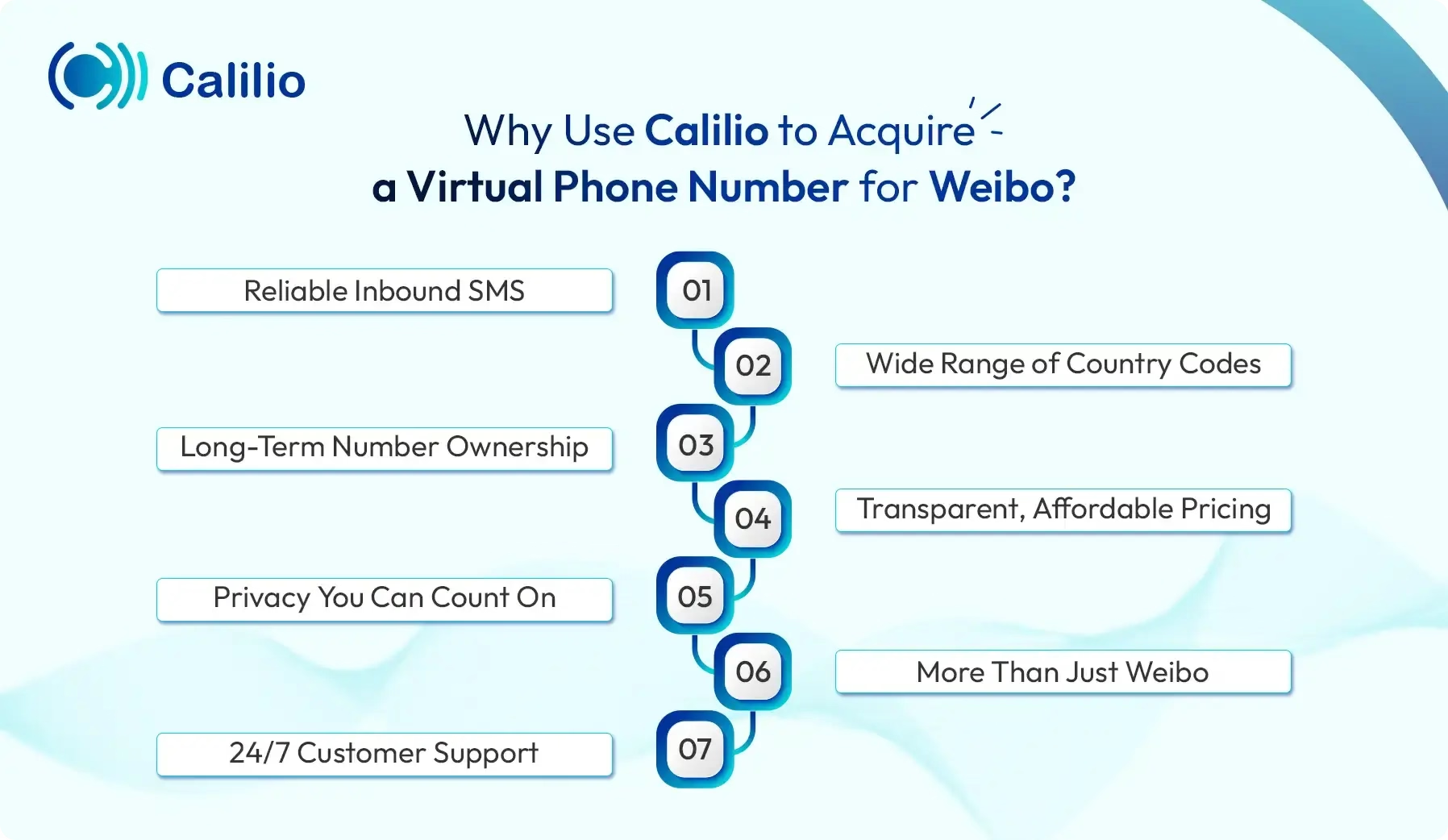
- Reliable Inbound SMS: Calilio offers numbers with full SMS support, so Weibo's verification codes land in your inbox within seconds. No missed messages, no failed sign-ups.
- Wide Range of Country Codes: Calilio offers numbers from countries Weibo recognizes during sign-up, including the US, Canada, and the UK. You can pick the one that works best for your account.
- Long-Term Number Ownership: Your Calilio number stays yours for as long as your subscription is active, meaning you can re-verify your Weibo account or reset your password anytime without losing access.
- Transparent, Affordable Pricing: Calilio offers straightforward plans (starting at $15/month) with no hidden charges, so you know exactly what you're paying for. Whether you need a number (starting at $2) just for Weibo or for multiple platforms, there's a plan that fits.
- Privacy You Can Count On: Your messages stay private and tied to your account alone, unlike free SMS sites, where verification codes are exposed to anyone. Your Weibo activity, your data, no leaks.
- More Than Just Weibo: The same Calilio number works for other platforms too, from WeChat and Telegram to WhatsApp and beyond. This gives you more value out of a single subscription.
- 24/7 Customer Support: If anything goes sideways during sign-up, Calilio's support team is available around the clock to help you sort it out.
Can an American have a Weibo account?
Yes, an American can have a Weibo account. To create and use a Weibo account in America, download the Weibo app from the Apple App Store or Google Play and register with your US phone number. However, signing up through the desktop website may not work smoothly with a non-Chinese number. So, the mobile app is usually the easier option.
Can non-Chinese people use Weibo?
Yes, non-Chinese people can use Weibo. The platform is open to users from different countries. However, signing up with an overseas phone number can be difficult due to SMS code issues or app glitches. For an easier setup, users can try the Weibo mobile app or Weibo International, which has an English interface.
Is it safe to use a virtual phone number for Weibo?
Yes, it is safe to use a virtual phone number for Weibo, but only if you choose a reliable number provider. Avoid free, temporary, or disposable numbers, as Weibo can block them or ask for SMS re-verification later. For long-term access, use a dedicated virtual number from Calilio that can receive SMS consistently. This helps you keep your Weibo account secure and recover it when needed.
Can I use the same virtual number for WeChat and Weibo?
Yes, you can use the same virtual number for WeChat and Weibo because they are different platforms. Moreover, you can start your Weibo sign-up using your WeChat account. However, Weibo will still ask you to bind a valid phone number for verification. So, use a reliable virtual number that can receive SMS codes.
Conclusion
Signing up for Weibo without your personal phone number is easier than it sounds, as long as you have the right tool. A virtual phone number handles the verification step, keeps your real number private, and gives you full access to Chinese pop culture, trends, and conversations.



Summarize this blog with:
Frequently asked questions
How to access Weibo without an account?
To access Weibo without an account, use the mobile web version at m.weibo.cn instead of the main desktop site or app. You can also search public Weibo pages through Google or Bing using site:weibo.com, or use s.weibo.com to view trending topics and search results.
Do you need a Chinese phone number to make a Weibo account?

Still have questions?
Can’t find the answer you’re looking for? Please chat with our friendly team.
Stay in the loop
Get the latest call insights, trends, and updates delivered straight to your inbox.
By subscribing, you agree to receive updates from Calilio.
You can unsubscribe anytime.
Enter the World of AI Business Phone System with Calilio
Improve your business operation with Calilio's advanced virtual phone system. Join today for a better way to connect.